


White Box Testing: A Complete Guide with Techniques, Examples, and Benefits
Introduction
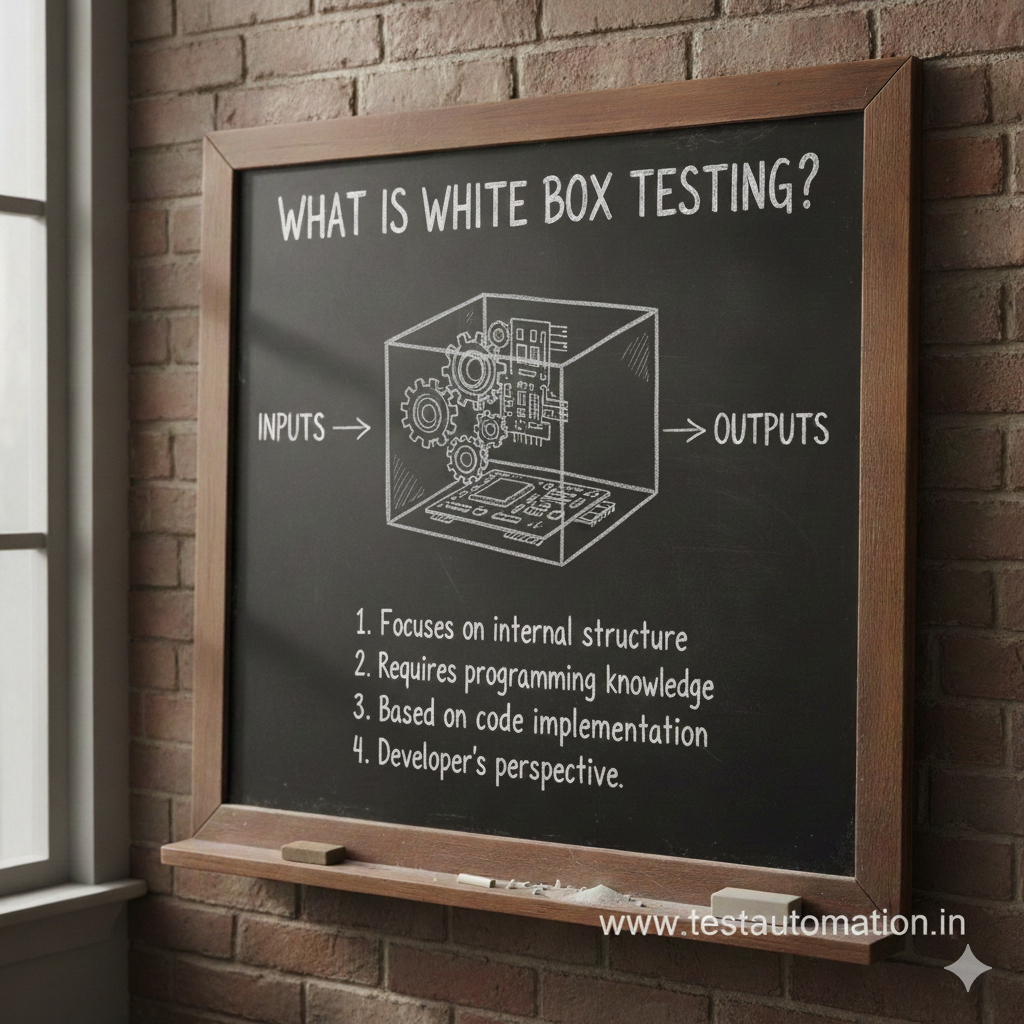
White box testing is a crucial software testing technique that focuses on verifying the internal structure, logic, and code of an application. Unlike black box testing, where testers validate functionality without seeing the code, white box testing requires knowledge of the program’s internal working.
This testing approach is commonly used by developers and automation testers to ensure code quality, security, and performance.
What Is White Box Testing?
White box testing is a software testing method where the tester has full visibility of the source code, logic, and internal structure of the application. Test cases are designed based on code paths, conditions, loops, and statements.
In simple terms:
➡️ You test how the system works internally.
Why Is It Called “White Box”?
The term “white box” indicates transparency. The tester can clearly see:
- Source code
- Control flow
- Data flow
- Logical paths
Since everything is visible, it allows deep validation of the application’s internal behavior.
Objectives of White Box Testing
The main objectives include:
- Verifying code logic and flow
- Identifying hidden bugs and vulnerabilities
- Improving code coverage
- Ensuring secure and optimized code
- Detecting performance bottlenecks early
Types of White Box Testing
1. Unit Testing
Tests individual components or functions in isolation.
Example:
Testing a login function that validates username and password.
2. Integration Testing
Ensures different modules interact correctly.
Example:
Checking communication between payment and order modules.
3. Code Coverage Testing
Measures how much of the code is executed during testing.
Types include:
- Statement coverage
- Branch coverage
- Path coverage
4. Static Testing
Code is reviewed without execution.
Examples:
- Code reviews
- Walkthroughs
- Static code analysis
Techniques
1. Statement Coverage
Ensures every line of code is executed at least once.
2. Branch Coverage
Validates all possible decision outcomes (true/false).
3. Path Coverage
Tests all possible execution paths.
4. Loop Testing
Focuses on validating loops (for, while, do-while).
5. Control Flow Testing
Analyzes execution order and logic paths.
Advantages
✅ Improves code quality
✅ Detects security vulnerabilities
✅ Ensures complete code coverage
✅ Helps optimize performance
✅ Finds defects early in development
Limitations
❌ Requires programming knowledge
❌ Time-consuming for large applications
❌ Cannot detect missing requirements
❌ Complex test case design
White Box vs Black Box Testing
| Aspect | White Box Testing | Black Box Testing |
|---|---|---|
| Code visibility | Required | Not required |
| Focus | Internal logic | Functionality |
| Performed by | Developers, Automation QA | Manual QA |
| Level | Unit & Integration | System & Acceptance |
Real-Life Example
Consider a password validation module:
- Minimum length check
- Special character validation
- Encryption logic
It verifies that each condition and encryption path works as intended internally.
When to Use White Box Testing
White box testing is best used:
- During early development
- For security-critical applications
- When high code quality is required
- Along with black box testing for complete coverage
Conclusion
White box testing plays a vital role in building reliable, secure, and high-quality software. By validating internal logic and code structure, it helps teams detect issues early and improve overall application stability.
For best results, white box testing should always be combined with black box testing to achieve complete test coverage.
See more topics of Manual testing